

loading

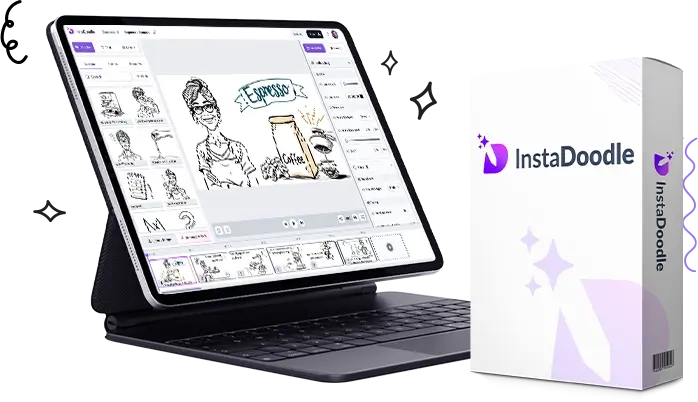
InstaDoodle Review 2026 (Part 2): The Benefits, Real Use Cases, Pros & Cons, and What It’ll Actually Cost You

Why So Many Businesses Still Bother With Whiteboard Videos

Video is still one of the best ways to get an idea across online — that part hasn’t changed. What has changed is that not every business has the budget or the patience for a fully animated, studio-quality production.

That’s basically why whiteboard videos never really went away. They lean on storytelling instead of visual effects. You’re not trying to impress anyone with fancy transitions; you’re just walking someone through an idea one step at a time, which happens to be exactly what works when you’re explaining a product or a tricky concept to someone who’s never heard of it.


The Actual Benefits of Using InstaDoodle

1. It cuts down the time video creation usually takes

Normally, putting together an animated video means writing a script, designing or sourcing illustrations, animating every scene, recording a voiceover, then exporting the whole thing. Depending on how picky you are, that can eat up days or drag into weeks.

InstaDoodle shortens a lot of that by handling it in-browser, with assets already built and AI doing some of the heavy lifting. It won’t be instant, but it’s a lot faster than starting from a blank timeline.

This tends to matter most for busy entrepreneurs, marketing teams, agencies juggling multiple clients, freelancers, and small business owners who don’t have hours to spare per video.

2. You don’t need to know anything about design

A lot of animation software assumes you already understand keyframes, timelines, and layers. If you’ve never touched anything like that, it can be genuinely intimidating.

InstaDoodle skips most of that assumption. The drag-and-drop setup means you’re not fighting with the software just to move a shape across the screen. If you’ve never made an animated video in your life, this is going to feel a lot less overwhelming than the traditional stuff.

3. It’s all in the browser, which is more convenient than it sounds

No downloads to babysit, no worrying about whether your laptop can actually handle rendering. You just log in and work from there, which also means you can hop onto a different device if you need to and pick up where you left off.

4. The doodle asset library is genuinely big

This is one of the things that stood out. Instead of buying illustrations separately every time you need a new scene, you’re just pulling from what’s already included. That saves both time and money, especially if you’re making videos often.

People end up using these assets for things like:

  • Business presentations
  • Marketing videos
  • Lessons and educational content
  • Product explainers
  • Sales videos
  • Social clips
  • Training material

5. It works across a bunch of different industries, not just one

That’s actually a bit unusual for this kind of software. A few examples of where it fits:

  • Digital marketing — product explainers, lead gen videos, landing page content.
  • Education — turning a lesson plan into something students actually want to watch.
  • Real estate — walking someone through the buying process or showcasing a neighborhood.
  • Healthcare — explaining a procedure or a wellness topic in plain terms.
  • Finance — making a dense concept feel less like homework.
  • E-commerce — showing how a product actually works instead of just describing it in a bullet list.

Where People Are Actually Using This

YouTube creators — especially educational channels that need a way to explain something without sitting in front of a camera the whole time.

Affiliate marketers — a lot of them lean on explainer-style videos to walk viewers through a product and build a bit of trust before sending them to a link.

Local businesses — service-based ones especially, who just need something explaining what they do and why it’s worth paying for.

Coaches and consultants — whether it’s business strategy, fitness, or productivity, turning it into an animated video tends to make it stick better than a slide deck.

Agencies — particularly ones that need to crank out client videos on a recurring basis without burning through their own animator’s time every single week.


How It Actually Performs

From what I can tell, InstaDoodle is clearly optimized for speed and ease over deep, granular animation control — and for most people, that’s the right trade-off. You’re not going to be adjusting individual frames for hours. You just get the message out.

If your goal is a clean, functional explainer video rather than something cinematic, this streamlined approach is probably going to serve you better than a heavier, more complicated tool.


Pros and Cons

What’s good:

  • Genuinely beginner-friendly
  • No installation, works right in the browser
  • AI assistance speeds things up noticeably
  • Big library of graphics and assets included
  • Works for marketers, educators, agencies, and regular businesses alike
  • Good for explainers, presentations, and promo content
  • Can save you from outsourcing simple animation jobs
  • Flexible enough to cover a lot of different use cases

What’s not so good:

  • Whiteboard-style animation is a specific look — it just won’t suit every brand or campaign
  • If you want cinematic-level, highly customized animation, dedicated pro software still has more depth
  • Like any tool, it won’t fix a bad script or a muddled message — the writing still matters

What Does It Cost?

Pricing has moved around depending on promotions — sometimes there’s a one-time payment offer instead of a subscription, but that kind of thing shifts over time, so don’t take any number here as gospel.

Before you buy, it’s worth double-checking the current sales page for:

  • The actual price right now
  • What’s included versus what’s an upsell
  • Available upgrades
  • License terms
  • Refund policy
  • Any bonuses tied to the current promotion

If you’re planning to make videos regularly, it’s worth comparing whatever the current offer is against what you’d pay monthly for competing tools over a year. That’s usually where the real value shows up.


Is It Actually Worth the Money?

Depends entirely on how much you’ll use it.

Probably worth it if you:

  • Make marketing content on a regular basis
  • Need explainer videos for your own business
  • Run social campaigns that need visual content
  • Produce educational material
  • Work with clients who need simple animated videos
  • Would rather have an easy learning curve than more advanced controls

Probably not worth it if:

You only need one or two videos, ever, and have no ongoing reason to keep using it — at that point, just outsourcing a small project to a freelancer might get you more for your money.


Where I Land on It So Far

Having gone through the features, the intended workflow, and the kinds of people it’s built for, InstaDoodle strikes a decent balance between being simple and actually being useful.

Its biggest strengths are how accessible and fast it is, and the fact that it lets people with zero design background put together something that looks intentional. It’s not trying to replace a full animation studio, and it shouldn’t be judged like one — but for marketers, educators, agencies, and small business owners who just need solid explainer content without a steep learning curve, it does what it sets out to do.

Next up, I’ll stack it against a few other whiteboard animation tools, get into who benefits most, and answer some of the questions people keep asking before deciding whether it’s the right pick for them.

Why Email Automation Is Still the Highest-ROI Channel for U.S. Businesses in 2026

If you had to bet on one marketing channel to keep delivering returns while ad costs climb and algorithms keep shifting, email automation would be the safe wager. It’s not flashy. It doesn’t get the same attention as AI chatbots or short-form video. But for companies selling into the U.S. market, it remains one of the most dependable, measurable, and scalable ways to turn attention into revenue.

Here’s why it deserves a bigger seat at the table in 2026 — and how to actually get it right.

The Numbers Still Don’t Lie

Email marketing continues to post some of the strongest return-on-investment figures of any digital channel, with many U.S. marketers citing returns well above $30 for every dollar spent when campaigns are well-targeted and automated. Unlike paid social or search, email doesn’t require you to keep paying to reach people who already chose to hear from you. That list you’ve built is an owned asset — no platform can deplatform it, change its algorithm, or triple its price overnight.

What “Automation” Actually Means Now

Automation used to mean a basic welcome email and an abandoned-cart reminder. That’s table stakes today. Modern email automation in the U.S. market looks more like:

  • Behavioral triggers: emails fired by real-time actions — a pricing page visit, a demo no-show, a support ticket closed — not just a form fill.
  • Lifecycle sequencing: distinct flows for prospects, new customers, at-risk churners, and advocates, each with its own cadence and tone.
  • AI-assisted personalization: dynamic subject lines, send-time optimization, and content blocks that adjust based on a subscriber’s past engagement, not just their first name.
  • Cross-channel handoffs: automation platforms increasingly sync with SMS, in-app messaging, and CRM systems so email isn’t operating in a silo.

The shift is from “batch and blast” to systems that respond to individual behavior at scale.

Compliance Is Not Optional — And It’s Getting Stricter

For anyone building automated email programs targeting U.S. consumers, compliance deserves its own line item, not an afterthought. Key considerations include:

  • CAN-SPAM Act: requires clear sender identification, no misleading subject lines, a working unsubscribe mechanism, and honoring opt-outs within 10 business days.
  • State-level privacy laws: California (CCPA/CPRA), Virginia, Colorado, and a growing list of other states now have their own data privacy requirements that affect how you collect, store, and use email addresses.
  • Mailbox provider rules: Gmail and Yahoo’s 2024 bulk sender requirements (authentication via SPF, DKIM, and DMARC, plus one-click unsubscribe) are now firmly enforced. Non-compliant senders risk landing in spam or getting blocked outright.

Deliverability and compliance are two sides of the same coin. A beautifully designed automation flow is worthless if it never reaches the inbox.

Where the Real Gains Are Hiding

A few areas consistently separate high-performing U.S. email programs from average ones:

  1. List hygiene over list size. A smaller, engaged list will consistently outperform a bloated one. Regularly suppress or re-engage inactive subscribers before they drag down your sender reputation.
  2. Segmentation by intent, not just demographics. Purchase history, engagement recency, and on-site behavior predict conversion far better than age or location alone.
  3. Testing at the flow level, not just the subject line. Test send timing, sequence length, and offer placement — not only which headline gets more opens.
  4. Sales and marketing alignment. Automated nurture flows that hand off cleanly to sales (with context, not a cold list) close more deals than either team working in isolation.

The Bottom Line

Email automation isn’t glamorous, but it’s durable. It compounds. And in a U.S. market where customer acquisition costs keep rising and attention is more fragmented than ever, that combination of ownership, measurability, and compounding return is hard to beat.

The businesses winning with email in 2026 aren’t necessarily using more tools — they’re using fewer flows, built more thoughtfully, aimed at the right moment in the customer journey.


What’s your team’s biggest email automation win — or headache — this year? I’d love to hear how others are approaching this.

#EmailMarketing #MarketingAutomation #B2BMarketing #DigitalMarketing #EmailAutomation #MarTech

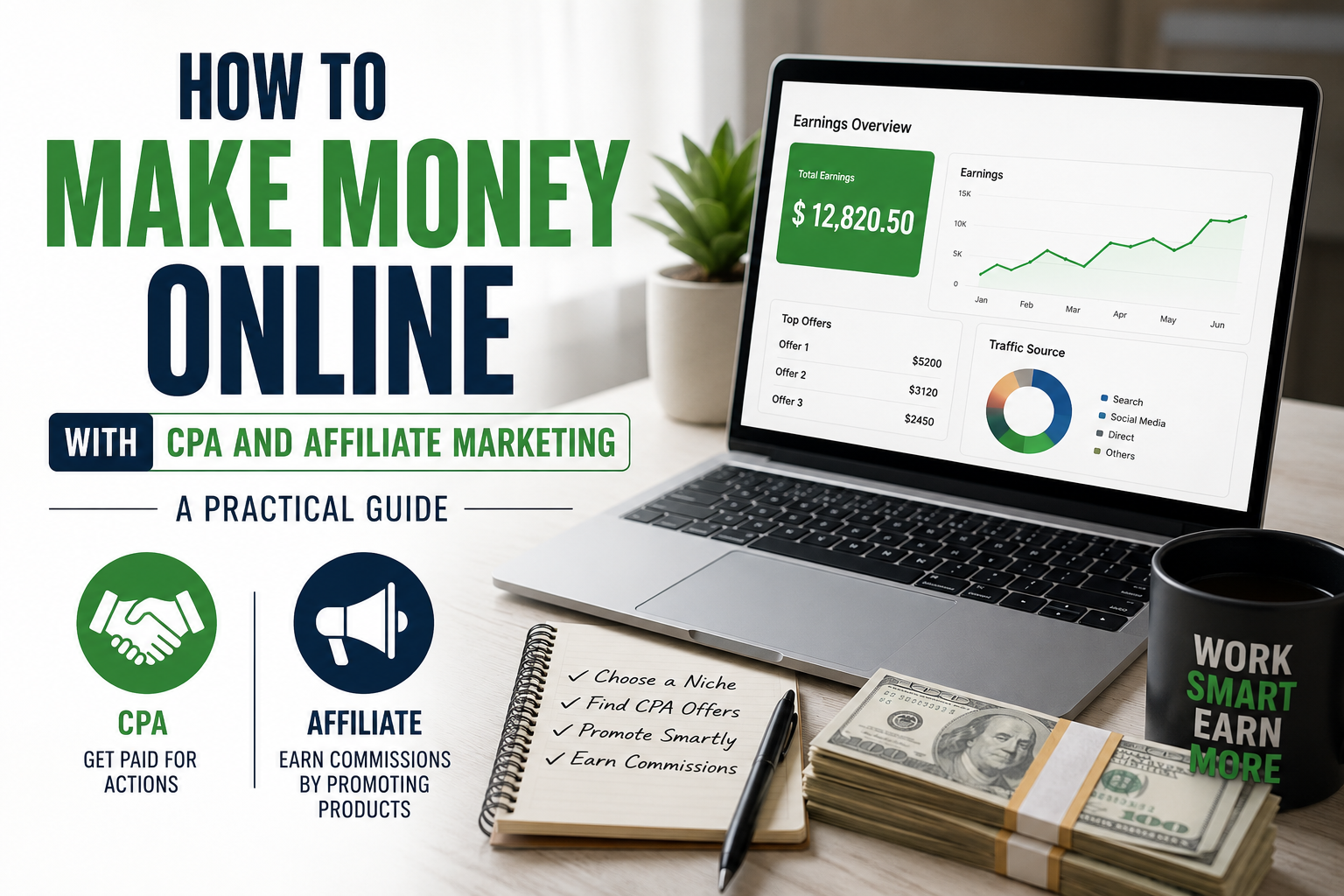
How to Make Money Online with CPA and Affiliate Marketing: A Practical Guide

If you’ve spent any time looking into ways to earn money online, you’ve probably come across two terms again and again: CPA marketing and affiliate marketing. Both are performance-based ways to earn income by promoting other people’s products or offers, and both can be started with little to no upfront capital. But they work differently, appeal to different skill sets, and carry different risk-reward profiles. This guide breaks down what each model actually involves, how to get started, and how to avoid the mistakes that trip up most beginners.

What Is Affiliate Marketing?

Affiliate marketing is the practice of promoting a company’s product or service using a unique tracking link, and earning a commission when someone makes a purchase through that link. The classic example is an Amazon Associates link embedded in a blog post or YouTube video description. When a reader clicks the link and buys the product, you earn a percentage of the sale.

The appeal of affiliate marketing lies in its simplicity and scalability. You don’t need to create a product, handle customer service, manage inventory, or process payments. Your job is purely to connect an audience with a product they’re likely to want. Commissions can range from 1-2% on physical goods to 30-50% or more on digital products and software subscriptions.

What Is CPA Marketing?

CPA stands for Cost Per Action (sometimes Cost Per Acquisition). Instead of requiring a completed sale, CPA offers pay you when a user completes a specific, often low-friction action. That could be filling out an email form, downloading an app, signing up for a free trial, entering a zip code, or completing a short survey.

Because the bar for conversion is much lower than an actual purchase, CPA offers tend to convert at a higher rate than traditional affiliate sales. This makes CPA marketing especially popular with people running paid traffic campaigns, since faster conversions mean quicker feedback on whether an ad campaign is profitable.

Key Differences Between the Two

The most important distinction is the depth of commitment required from your audience. Affiliate marketing usually asks someone to pull out their credit card, while CPA marketing just asks for an email address or a few taps on a phone screen. This means CPA campaigns often have higher volume but lower payouts per action, while affiliate commissions are less frequent but can be substantial, especially with recurring subscription products.

Traffic quality also matters differently for each. Affiliate marketing tends to reward content that builds trust over time, like in-depth reviews or tutorials, because purchase decisions involve more consideration. CPA marketing often works well with direct, high-volume traffic sources like paid social ads or pop-under traffic networks, since the action required is so minimal.

Getting Started with Affiliate Marketing

1. Choose a niche you can speak on credibly. Trying to cover every topic under the sun dilutes your authority. Pick something you have genuine interest or experience in, whether that’s home fitness equipment, budgeting apps, or gardening tools.

2. Build a platform. This could be a blog, a YouTube channel, an Instagram page, or an email list. Content is the vehicle that carries your affiliate links, so investing in a platform that attracts organic traffic pays dividends long after you’ve stopped actively promoting.

3. Join affiliate programs. Networks like Amazon Associates, ShareASale, CJ Affiliate, and Impact host thousands of merchant programs. Many software companies also run their own affiliate programs directly, often with better commission rates than third-party networks.

4. Create honest, useful content. Product comparisons, tutorials, and “best of” roundup posts tend to perform well because they meet people at the exact moment they’re deciding what to buy.

5. Track and optimize. Use UTM parameters and your affiliate dashboard’s analytics to see which content and traffic sources actually convert, then double down on what’s working.

Getting Started with CPA Marketing

1. Join a CPA network. Popular networks include MaxBonus, PeerFly (where still active), AdWork Media, and CPAlead. Approval often requires an interview or a review of your traffic sources, since networks want to protect advertisers from low-quality leads.

2. Understand the offer terms carefully. CPA offers come with strict rules about which countries, devices, and traffic sources are allowed. Violating these terms, even accidentally, can get your account banned and your earnings withheld.

3. Choose your traffic source. Common approaches include paid ads (Facebook, TikTok, Google), content-based SEO traffic, or email marketing to an opted-in list. Each requires a different skill set, and paid traffic requires you to understand your numbers well enough to stay profitable.

4. Build simple landing pages. Rather than sending traffic directly to the CPA offer, top marketers often build a short landing page or quiz that pre-sells the action, improving conversion rates significantly.

5. Test relentlessly. CPA marketing is a numbers game. Split-test your ad creatives, headlines, and landing pages, and be prepared to kill underperforming campaigns quickly to protect your ad spend.

Common Mistakes to Avoid

Many beginners spread themselves too thin across dozens of offers or niches instead of mastering one traffic source and one vertical first. Others ignore the fine print on CPA offers and get accounts suspended for technical violations they didn’t realize were against the rules. On the affiliate side, a common mistake is prioritizing high commission percentages over actual product quality and audience fit, which erodes trust and hurts long-term conversion rates.

It’s also worth being realistic about the timeline. Both models can generate income, but neither is typically a get-rich-quick scheme. Building an audience or refining a profitable ad campaign takes weeks or months of consistent effort and testing.

Final Thoughts

CPA and affiliate marketing both offer legitimate paths to online income without needing to create your own product. Affiliate marketing rewards patience, content quality, and audience trust, while CPA marketing rewards testing discipline and traffic acquisition skills. Many successful marketers eventually blend both, using content to build an audience and layering in CPA offers where they fit naturally. Whichever path you choose, success comes down to picking a focused niche, understanding your audience’s needs, and treating the process like a real business rather than a side hustle you dabble in occasionally.